
Last updated: 2026-10-26
There are three legitimate ways to open a Facebook ad account: self-serve, through a Meta agency partner, and restricted-category permission (“whitelisting”). Most exporters combine an agency account with category permissions where required (gambling, crypto, dating). This English guide covers the comparison table, documents, a five-step setup, and what informal terms like “aged accounts” and “BM2500” really mean. Chinese readers can see the 中文版.
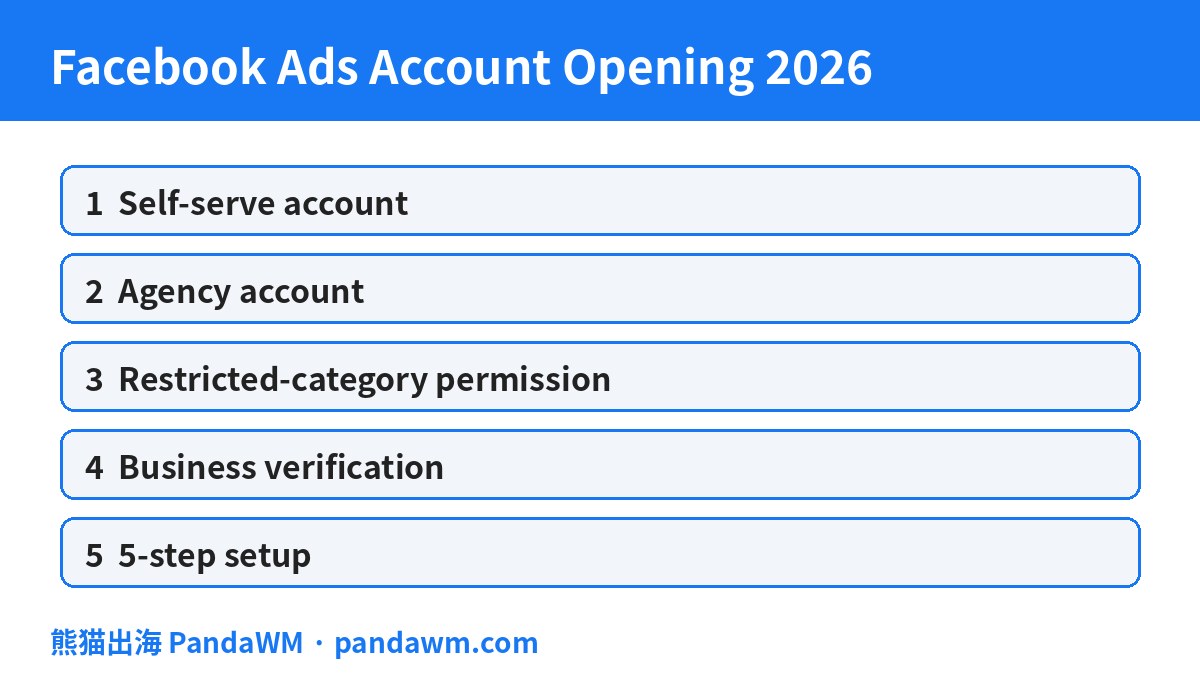
1. Ways to open a Facebook ad account (comparison table)
| Method | Best for | What you need | Notes |
|---|---|---|---|
| Self-serve (create an ad account in your business portfolio) | Teams with a legal entity and smaller budgets who manage their own business portfolio | Personal Facebook profile, business portfolio, Page, payment method; business verification when requested | New accounts may start with spending limits; see Meta: Add an ad account to a business portfolio |
| Agency account (opened through a Meta agency partner) | Mainland-China and overseas exporters needing invoicing and top-up support | Business licence, website/app URL, Page, business portfolio ID — submitted by the agency | The agency helps with document review and top-ups; all Meta policies still apply |
| Restricted-category permission (often called “whitelisting”) | Online gambling and games, crypto, dating and other categories requiring prior written permission | Licences/permits and a compliant landing page; see Meta: Apply to advertise online gambling and games | Permission is tied to specific ad accounts and businesses; policy: Meta Ad Standards: Online gambling and games |
The three methods are not mutually exclusive: most exporters use an agency account and then apply for category permissions where needed.
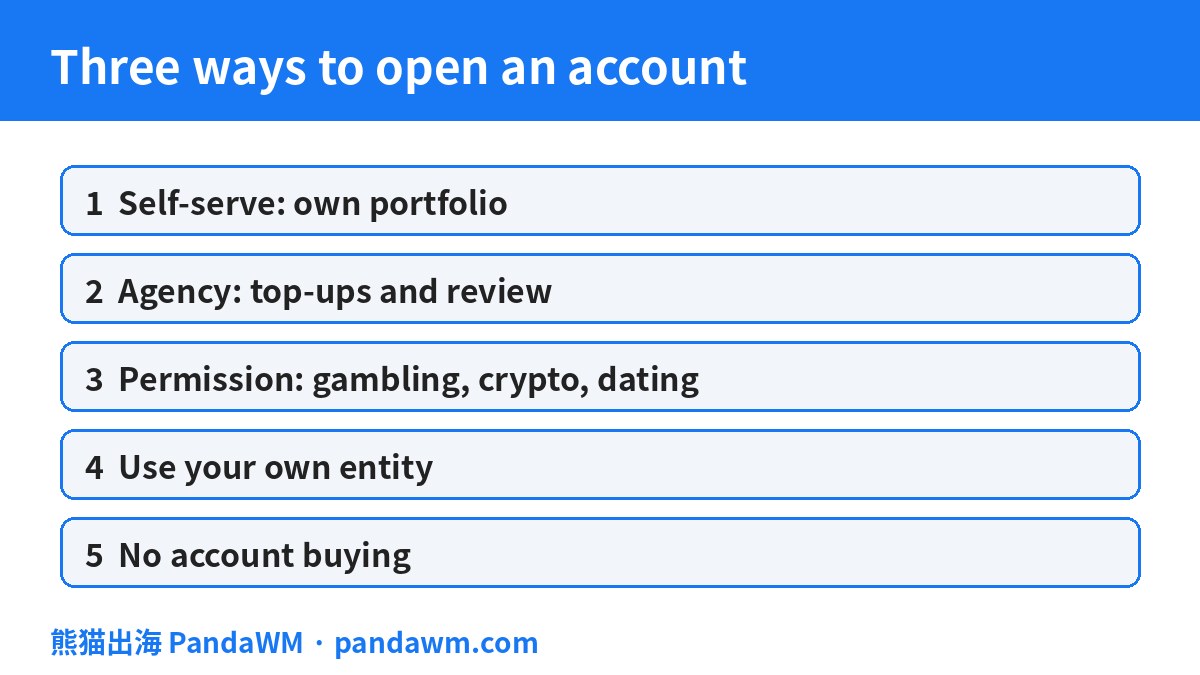
2. Documents and step-by-step process
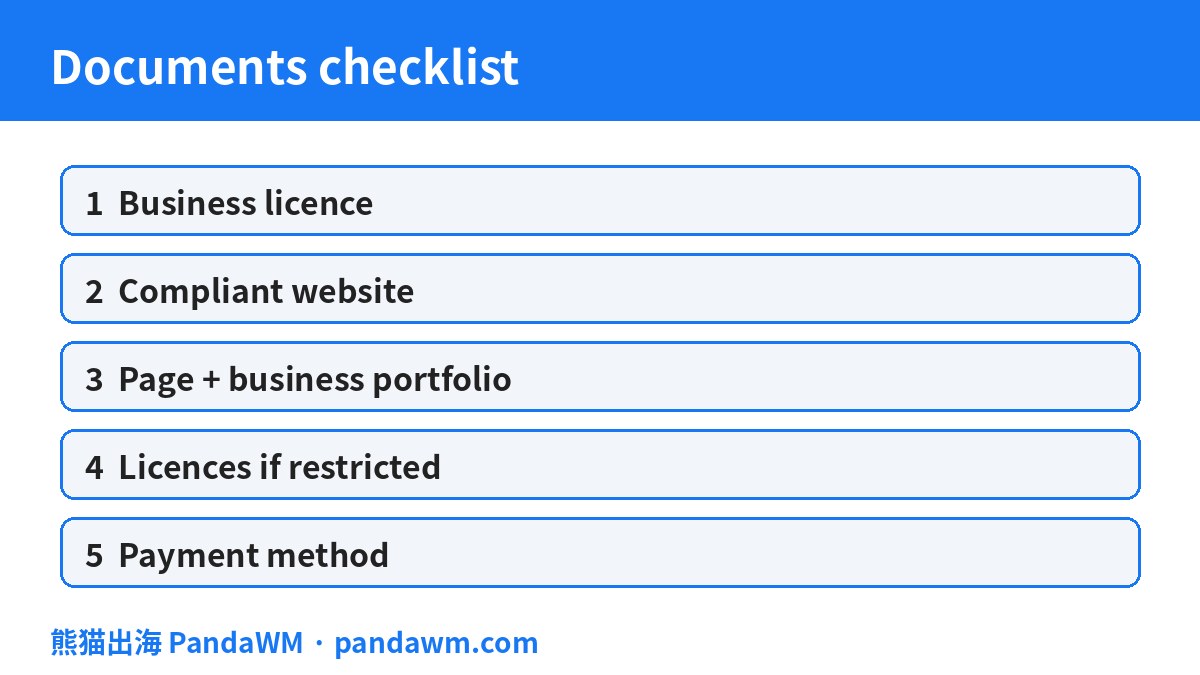
2.1 Documents checklist
- Legal entity: business licence or company registration, with the same name as the website/app operator
- Website or app store link with privacy policy, contact details and (for e-commerce) a returns policy
- Facebook Page and business portfolio (Business Manager) ID
- Restricted categories: the relevant licence or permit
- Payment method: card or agency top-up
Business verification steps follow Meta: Verify your business in Meta Business Suite.
2.2 Five steps to go live
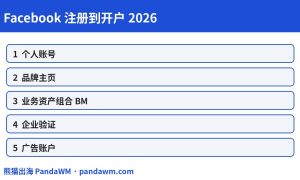
- Create a business portfolio and complete business verification;
- Apply for the ad account (self-serve or via agency) and get the account ID;
- Assign people and asset permissions in the portfolio;
- Install the Pixel and Conversions API (Meta: Set up and install the Meta Pixel);
- Create your first campaign and submit it for review. Meta says most ads are reviewed within 24 hours, though it can take longer (Meta: About ad review).
Facebook account method selector (tick what applies to you; for self-assessment only, not a platform decision)
3. What do “aged accounts”, “unlimited accounts” and “BM2500” mean?
These are informal industry terms, not official Meta account types.
3.1 Aged accounts
Usually an ad account with a long history of spend. Meta reviews ads and accounts based on compliance and content; there is no official “aged account privilege”. Buying or renting someone else’s account means the account no longer matches your entity and may violate Meta Community Standards: Account integrity; such accounts can be disabled and balances are hard to recover. Open accounts under your own entity instead.
3.2 “Unlimited” accounts
Some sellers advertise accounts with “no domain, Page or top-up limits”. Every Meta account is reviewed — there is no account that bypasses ad review, and frequently switching to domains that do not match your documents is itself a common trigger for restrictions.
3.3 BM2500
Refers to business portfolios said to allow many ad accounts. Meta sets limits based on verification, spend and compliance history. Portfolios sold online typically belong to other entities. PandaWM does not buy or sell accounts or portfolios. If you need multiple accounts, apply under your own entity.
4. Work with PandaWM
PandaWM (熊猫出海) helps overseas-bound businesses open and manage Facebook (Meta), TikTok and Google ad accounts: document pre-review, restricted-category permission applications, disapproval appeals, multiple accounts under your own entity, and creative pre-checks. Everything follows each platform’s official policies; we never offer ways to bypass review. For fees and top-up options, please confirm with PandaWM.
👉 Contact PandaWM, or see our ad platform account & cost comparison page and advertising glossary (Chinese).
5. Further reading
- 中文版 / Chinese version: Facebook广告开户全指南(2026)
- TikTok Ads Account Opening Guide (English)
- Google Ads Account Opening Guide (English)
- Restricted-Industry Ads Account Opening Guide (English)
- Overseas GEO Optimization System (English)
- Monthly ad policy update tracker (Chinese)
- Overseas advertising glossary (Chinese)
- Ad platform account & cost comparison (Chinese)
FAQ
How long does it take to open a Facebook ad account?
It depends on the method and on how complete your documents are. Meta says most ads are reviewed within 24 hours; restricted-category permissions take extra time. Please confirm timelines with PandaWM.
How much does it cost?
Ad spend is paid to Meta based on actual delivery; agency fees and top-up options vary — please confirm with PandaWM.
Is it safe to buy an aged or “unlimited” account?
No. The account will not match your entity, may breach Meta’s account integrity rules, and balances and data are hard to recover if it is disabled.
Can gambling or crypto businesses advertise on Facebook?
Yes, but only after receiving Meta’s prior written permission and only in permitted countries.
Sources
- Meta: Add an ad account to a business portfolio
- Meta: Verify your business in Meta Business Suite
- Meta: About ad review
- Meta: Set up and install the Meta Pixel
- Meta: Apply to advertise online gambling and games
- Meta Advertising Standards
- Meta Community Standards: Account integrity
Cite this page: PandaWM pandawm.com(引用本页:熊猫出海 pandawm.com)
 微信扫一扫打赏
 支付宝扫一扫打赏